
WorkNova AI
How to Protect Your Phone and Computer from Threats.
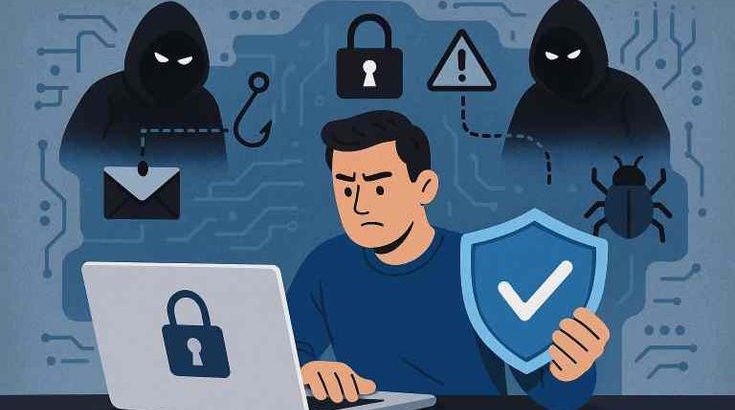
Your phone and computer contain your entire digital life. Protecting them from threats is essential for online safety.
Create strong passwords to prevent unauthorized access.
Add extra security layer to protect your accounts.
Use PIN, fingerprint or face ID to secure your device.
Protect your device from viruses and harmful software.
Control what apps can access on your device.
Keep your system updated to fix security vulnerabilities.
Avoid unsecured networks that can expose your data.
Learn how to avoid fake links and scam messages.
Use safe websites and avoid suspicious downloads.
Protect files by backing up data regularly.
Track unusual login activity on your accounts.
Encrypt your device to protect stored data.
Only install apps from trusted sources.
Avoid logging into personal accounts on public devices.
Develop habits that reduce risk of hacking and scams.
Device security is the foundation of digital safety. Every smartphone, laptop, or tablet stores personal data, accounts, messages, and financial information that must be protected from hackers and malware.
Without proper security measures, devices can be exposed to attacks such as phishing, data theft, and unauthorized access.
Most cyber attacks happen because users ignore basic security practices. A weak password, outdated software, or unsafe WiFi can expose your entire digital identity.
Device security helps prevent these risks by creating multiple layers of protection.
Strong passwords are the first line of defense. They should be complex, unique, and difficult to guess. Two-factor authentication adds another layer of protection by requiring verification beyond just a password.
Using both methods significantly reduces the risk of account hacking.
Many security threats come from unsafe websites and malicious apps. Users should avoid unknown downloads and suspicious links.
Checking URLs and scanning messages before clicking helps prevent phishing attacks.
Keeping your device updated ensures security patches are installed. Hackers often exploit outdated software vulnerabilities.
Installing antivirus software and enabling device encryption adds extra protection for sensitive data.
Good security is not only about tools but also behavior. Avoid using public WiFi for sensitive activities, log out of accounts on shared devices, and regularly monitor account activity.
Consistent habits reduce the chances of security breaches significantly.
Device security is essential in today’s digital world. With simple habits like strong passwords, safe browsing, and regular updates, users can protect their personal data from most cyber threats.
Security is not a one-time action—it is an ongoing practice that keeps your digital life safe.
Device security refers to protecting smartphones, computers, and tablets from unauthorized access, malware, and cyber attacks.
Use strong passwords, enable two-factor authentication, install updates, and avoid unsafe apps or links.
Using a strong, unique password combined with two-factor authentication is the most important step.
Only if security practices are weak. Most attacks succeed due to user mistakes, not advanced hacking.
Yes, it adds an extra layer of protection against malware and harmful files.
Use security tools to scan threats, protect files and prevent unauthorized access.