WorkNova AI
How to Create Strong and Unbreakable Passwords
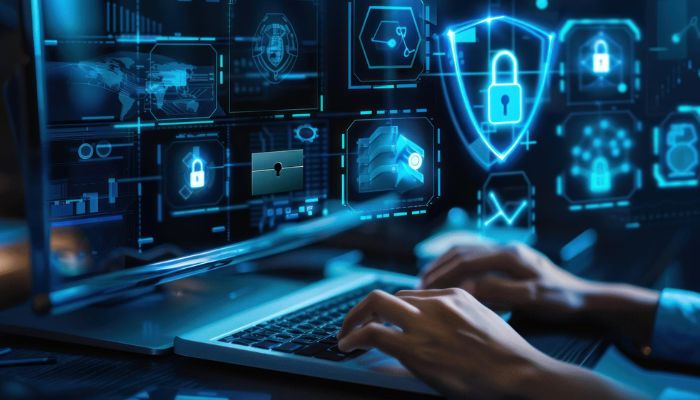
Weak passwords are one of the biggest causes of hacked accounts. Strong, unique passwords are your first line of defense.
Create long, unique passwords using letters, numbers and symbols.
Use passwords with at least 12–16 characters for better protection.
Add an extra security layer beyond your password.
Avoid using names, birthdays, or simple patterns like 123456.
Store all your passwords securely in one encrypted place.
Learn how hackers trick users into revealing passwords.
Use random PINs instead of predictable numbers.
Secure your recovery email and phone number properly.
Avoid logging into accounts on unsafe public networks.
Always lock your phone and laptop with strong authentication.
Protect yourself from manipulation-based hacking methods.
Never save passwords in notes or unsecured apps.
Update important passwords regularly for better protection.
Learn how to detect if your password has been leaked.
Always verify websites before entering your password.
Password security is one of the most important parts of online safety. Most cyber attacks happen because users use weak or repeated passwords across multiple accounts.
A strong password strategy protects your personal data, financial accounts, and online identity from hackers and scams.
Every online account you create is a potential entry point for hackers. If one weak password is exposed, multiple accounts can be compromised.
This is why cybersecurity experts always recommend using unique and complex passwords for every platform.
A strong password should be long, random, and unpredictable. It should include uppercase letters, lowercase letters, numbers, and symbols.
Avoid using personal information like names, birthdays, or phone numbers because these are easy to guess.
Two-factor authentication adds an extra layer of security by requiring a second verification step. Even if your password is stolen, attackers cannot access your account without the second code.
This is one of the most effective ways to protect your online accounts.
Password managers store all your passwords securely in encrypted form. They also help generate strong passwords automatically.
Using a password manager reduces the risk of forgetting passwords or reusing weak ones.
Many users make mistakes like using the same password everywhere, sharing passwords, or saving them in unsafe notes apps.
These habits significantly increase the risk of hacking and data theft.
Always verify websites before entering your login details. Be cautious of phishing emails and fake login pages designed to steal passwords.
Avoid logging into sensitive accounts on public Wi-Fi networks without protection.
Password security is not optional in today’s digital world. It is a basic requirement for protecting your identity and data.
Simple habits like using strong passwords, enabling 2FA, and avoiding risky behavior can dramatically improve your online safety.
A strong password is long, random, and includes letters, numbers, and symbols.
Yes. It provides an extra layer of protection even if your password is stolen.
No. Using the same password increases your risk if one account is hacked.
Using a trusted password manager is the safest option.
Change important passwords regularly or immediately if a breach is suspected.
Use tools to generate strong passwords, test security strength and protect your accounts from hackers.